
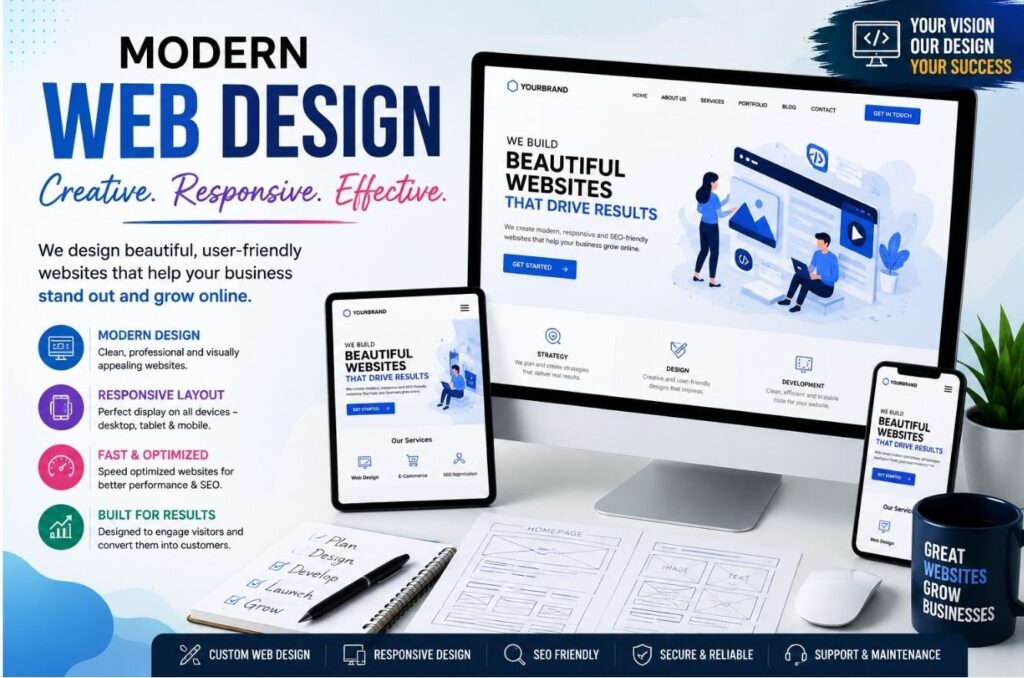
A website is often the first interaction potential customers have with your business. A well-designed website can attract visitors, build trust, and generate leads, while a poorly designed one can drive users away within seconds. Even with the best products or services, common web design mistakes can negatively impact user experience and business growth.
In this blog, we’ll explore some of the most common web design mistakes and how to avoid them.
1. Slow Website Loading Speed
Website speed plays a crucial role in user experience. Visitors expect pages to load quickly, and if a website takes too long, they are likely to leave before viewing the content.
How to Avoid It:
• Optimize images before uploading.
• Minimize unnecessary plugins and scripts.
• Use reliable web hosting services.
• Enable browser caching and compression.
A faster website not only improves user experience but also supports better search engine rankings.
2. Poor Mobile Responsiveness
With the majority of internet users browsing on smartphones, a website that doesn’t work properly on mobile devices can lose a significant amount of traffic.
How to Avoid It:
• Use responsive web design techniques.
• Test your website on different screen sizes.
• Ensure text, buttons, and images adjust properly on mobile devices.
A mobile-friendly website helps improve engagement and SEO performance.
3. Complicated Navigation
Visitors should be able to find information quickly and easily. Confusing menus and poor navigation often frustrate users and increase bounce rates.
How to Avoid It:
• Keep navigation menus simple and organized.
• Use clear labels for menu items.
• Limit the number of menu options.
• Include a search function when necessary.
Easy navigation improves user satisfaction and encourages visitors to explore more pages.
4. Cluttered Layout and Too Much Information
Trying to fit too much content onto a page can overwhelm visitors and make it difficult for them to focus on important information.
How to Avoid It:
• Use whitespace effectively.
• Organize content into sections.
• Highlight key information.
• Keep designs clean and simple.
A clean layout helps users absorb information more effectively.
5. Weak or Missing Call-to-Action (CTA)
Many websites fail to guide visitors toward the next step. Without a clear call-to-action, users may leave without contacting you or making a purchase.
How to Avoid It:
• Use visible CTA buttons.
• Write action-oriented text such as “Contact Us,” “Get a Quote,” or “Learn More.”
• Place CTAs strategically throughout the website.
Effective CTAs help convert visitors into customers.
6. Poor Readability
Small fonts, poor color contrast, and lengthy paragraphs can make content difficult to read.
How to Avoid It:
• Use readable font sizes.
• Maintain good contrast between text and background.
• Break content into shorter paragraphs.
• Use headings and bullet points for better structure.
Readable content keeps visitors engaged longer.
7. Inconsistent Branding
Using different colors, fonts, and design styles across pages can confuse visitors and weaken brand identity.
How to Avoid It:
• Use consistent brand colors and typography.
• Maintain a uniform design style throughout the website.
• Ensure your logo and branding elements appear consistently.
Strong branding helps build trust and recognition.
8. Ignoring SEO Best Practices
A visually appealing website is ineffective if potential customers cannot find it online.
How to Avoid It:
• Optimize page titles and meta descriptions.
• Use SEO-friendly URLs.
• Include relevant keywords naturally.
• Optimize images and page speed.
SEO-friendly web design improves visibility in search engine results.
9. Using Low-Quality Images
Blurry or irrelevant images can make a website appear unprofessional and reduce credibility.
How to Avoid It:
• Use high-quality, relevant visuals.
• Optimize images for web performance.
• Maintain consistency in image style.
Professional visuals enhance the overall user experience.
10. Not Updating the Website Regularly
An outdated website can create a poor impression and may contain security vulnerabilities.
How to Avoid It:
• Update content regularly.
• Check for broken links.
• Keep plugins and software updated.
• Review website performance periodically.
Regular maintenance ensures the website remains secure, functional, and relevant.
Conclusion
Avoiding common web design mistakes can significantly improve user experience, increase engagement, and boost business results. Focus on creating a fast, mobile-friendly, easy-to-navigate website with clear calls-to-action and consistent branding. By following these best practices, businesses can build websites that not only look professional but also perform effectively.
A successful website is more than just good design—it is a powerful tool for attracting visitors, generating leads, and growing your business online.